Virtual Lessons
The full Lively Keys experience, from home.
Same curriculum, same app, same instructor — delivered via video.
How virtual lessons actually work
Virtual piano lessons at Lively Keys happen over Google Meet. Students set up a phone, tablet, or laptop so Courtney can see their hands on the keyboard. She teaches from her studio piano, demonstrates passages, and coaches in real time — the same way she would in person, just through a screen.
The biggest question parents have about virtual lessons is whether they work as well as in-person instruction. For most students, the answer is yes. Courtney has taught virtual lessons since 2020 and has refined camera angles, pacing, and communication techniques over hundreds of sessions. The key difference is that she coaches hand position verbally rather than physically adjusting it — a shift most students adapt to within the first few lessons.
Virtual students get the same practice app, the same curriculum tracks (Fun Mode for ages 5–10, Focus Mode for 11–17), and the same seasonal recital opportunities as in-person students. They compete on the same leaderboard, earn the same gems, and unlock the same characters. There is no separate “virtual tier” — it is the full Lively Keys experience delivered remotely.
Virtual lessons are particularly popular with families in Bradenton, Lakewood Ranch, and other Sarasota County areas who want to avoid drive time. They also work well for families with busy after-school schedules, since the student can start a lesson from home immediately instead of spending 30 minutes in the car.
Do virtual students get everything in-person students get?
Same instructor
Courtney Reed teaches every virtual lesson personally — no assistants, no group classes, no rotating teachers.
Same curriculum
Fun Mode for ages 5-10, Focus Mode for ages 11-17. Identical lesson plans and progression as in-person students.
Same practice app
Full access to the Lively Keys gamified practice app — characters, gems, missions, streaks, and leaderboard.
Same recitals
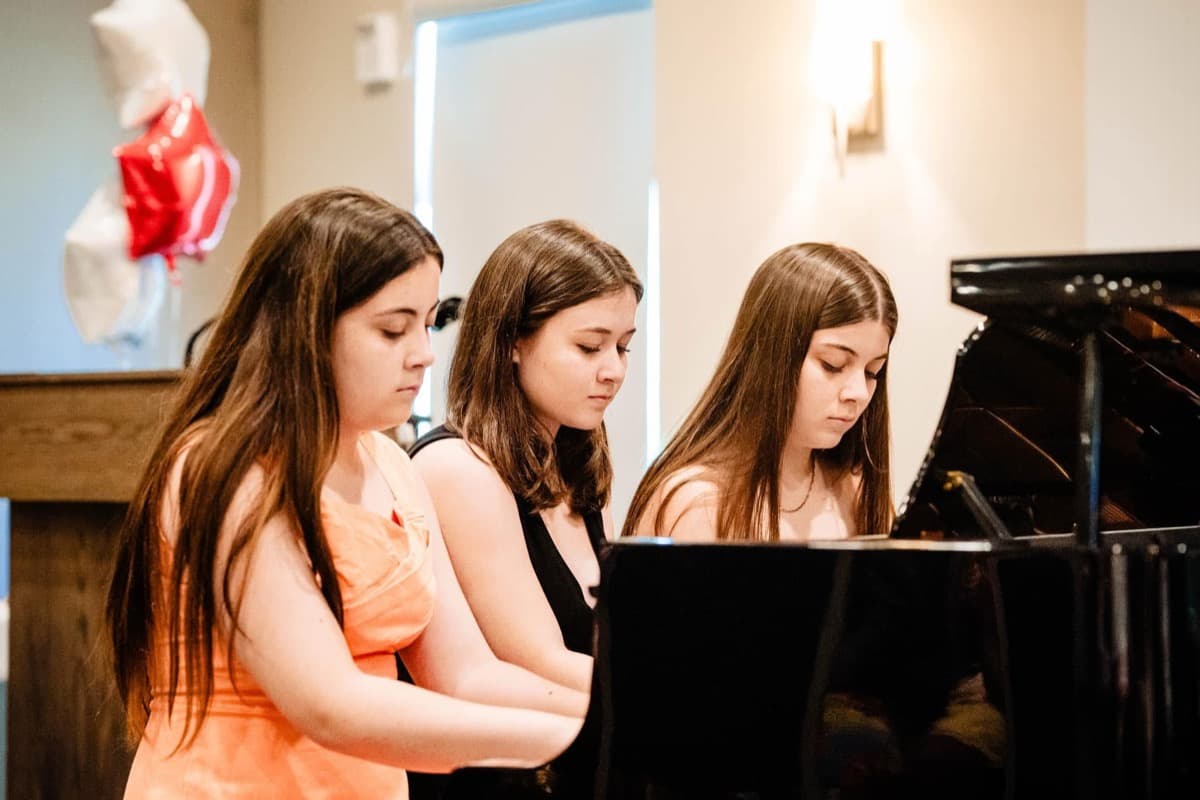
Virtual students participate in the same seasonal recitals as in-person students, performing for a live audience.
How do virtual piano lessons work?
Set up your camera
Position a phone, tablet, or laptop so Courtney can see the student's hands on the keyboard. A simple phone stand works.
Join the video call
Each lesson happens via Google Meet. A unique link is provided for your family's recurring lesson time.
Learn and practice
Courtney teaches the lesson live, demonstrates on her piano, and assigns practice for the week — tracked in the app.
What do you need for virtual piano lessons?
Piano or keyboard (61-key or 88-key weighted for beginners)
Phone, tablet, or laptop with camera and microphone
Stable internet connection
Phone/tablet stand or propped position showing hands on keys
Not sure what keyboard to buy? Check our beginner keyboard guide for age-appropriate recommendations.

Step Up For Students scholarships accepted. Lively Keys is a direct provider — funds are paid to the studio, no reimbursement needed. See pricing details
Ready to try virtual lessons?
Reach out to schedule a virtual introductory lesson. Courtney will help you set up your camera angle and get started.